
Online AI Video Background Remover for Free

Remove background from video instantly with AI precision. Clean results, zero skills required, ready for any workflow.

or drop a video

Supported formats: MP4 and WEBM

Max 60s

No video? Try one of these:

Example 1
Example 2
Example 3

Before & After Video Background Removal Results

Loading video...

YouTube Talking Head Videos

Create clean professional talking head videos with AI video background removal.

Loading video...

TikTok & Reels Content

Generate polished TikTok and Reels videos with a clean transparent background.

Loading video...

Gaming Streamer Video Background Removal

Create cleaner gaming videos and livestream content with AI video background removal for streamers and content creators.

Loading video...

Zoom & Presentation Videos

Create professional Zoom and webinar videos with clean AI background removal.

Loading video...

Marketing Promo Videos

Replace distracting scenes and create cleaner promotional videos with AI.

Loading video...

Fitness & Workout Videos

Produce cleaner workout videos with AI video background remover for social media and fitness content.

Use Video Background Remover for More Than You Ever Imaged

Creating Transparent Product Videos

Turn product clips into transparent video background assets for ecommerce, ads, and marketplaces. Our online video background remover helps brands create cleaner product showcases without expensive editing software or studio setups.

Boost Sales by Using an AI Background Remover for Products

Turn Ordinary Clips into Viral Memes with a Video BG Remover

Memes rely on clarity and timing. Use this AI remover to isolate people or objects, remove distractions, and place them into new, funny contexts for social sharing.
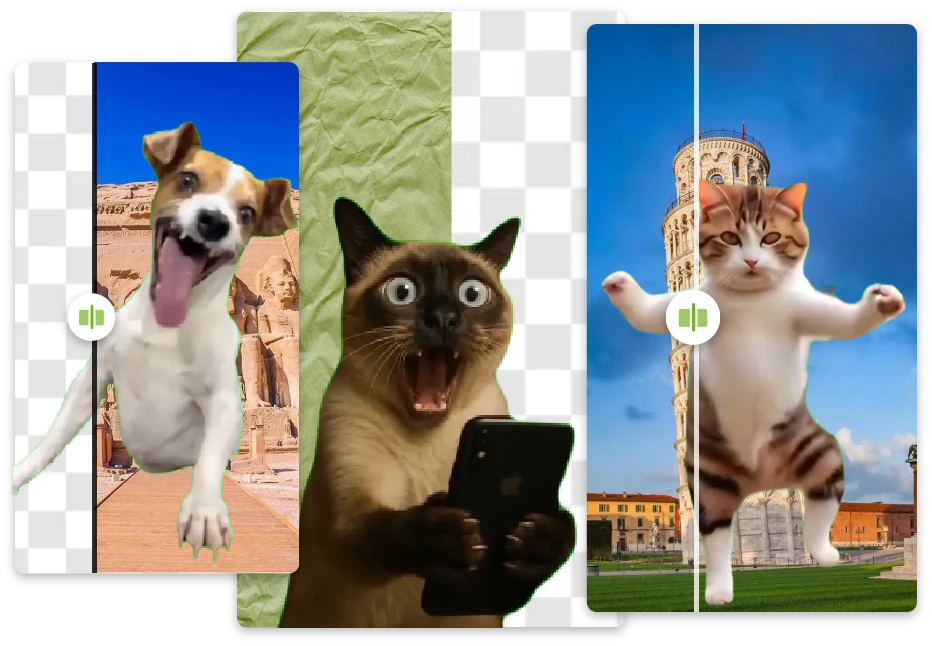
Turn Ordinary Clips into Viral Memes with a Video BG Remover

Remove Video Background Easily and Save Your Editing Sanity

For presentations, tutorials, or daily content, this remover eliminates manual masking and complex timelines, saving hours of editing time.
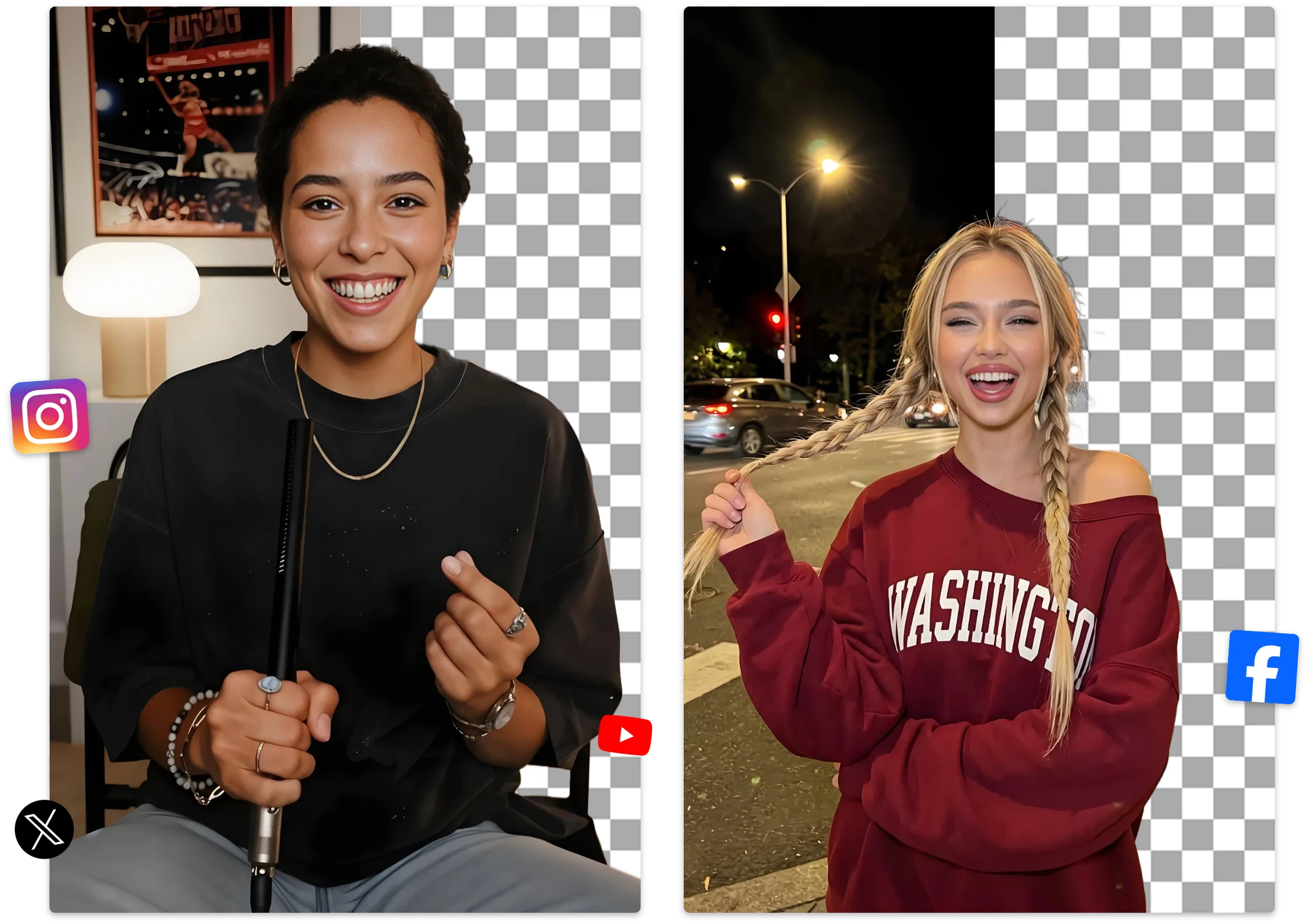
Remove Video Background Easily and Save Your Editing Sanity

Change Video Backgrounds Instantly

Need to change video background scenes for marketing or content creation? Replace dull or messy backgrounds with custom images, colors, office scenes, or branded visuals in seconds using our AI remove background video free tool.
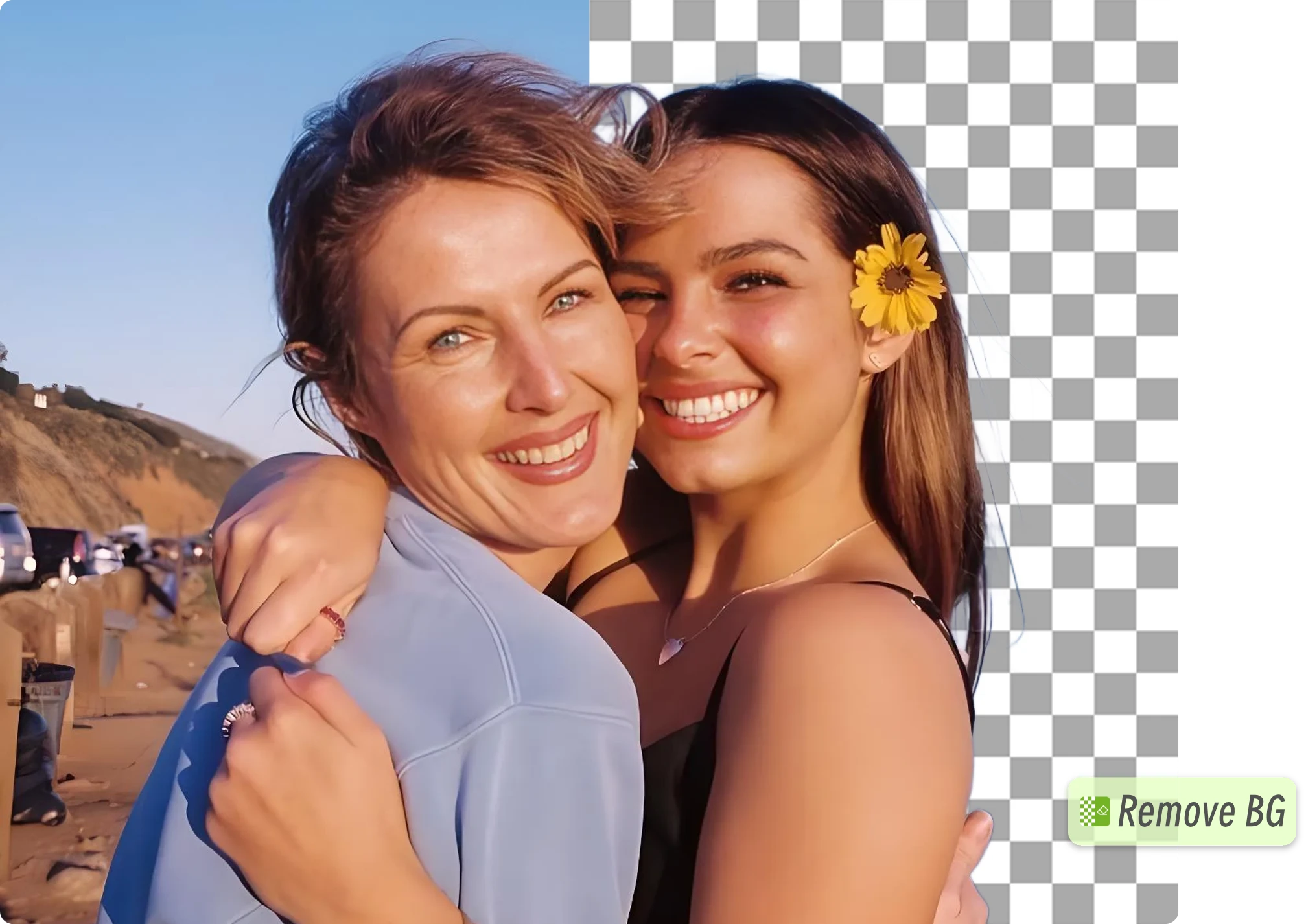
Swap Any Scene Freely After You Remove Background from Video

Discover Why Video BG Remover Works Like Magic

AI-Powered Video Background Removal

  • Automatically remove background from video using advanced AI segmentation technology. Detect people, objects, and motion accurately without frame-by-frame editing or green screens.

Fast Online Video Processing

  • Our free video background remover works directly in your browser. No downloads, no complicated editing timeline, and no technical experience required.

No Green Screen Needed

  • Remove video backgrounds online without expensive green screen setups or professional editing software. Upload your file and let AI handle the hard work automatically.

Change Video Backgrounds in Seconds

  • Replace messy or distracting scenes with custom backgrounds, branded visuals, colors, or images instantly using our AI remove background video free tool.

Transparent Video Background Export

  • Create transparent video background clips for overlays, social media edits, product videos, and creative workflows with smooth edge detection and clean cutouts.

Remove Background from MP4, MOV & WebM

  • Our video background remover online supports popular formats including MP4, MOV, and WebM, making it easy to edit videos for YouTube, TikTok, ecommerce, and marketing.

How to Use AI Video Background Remover in 3 Steps

01

Step 1: Upload Your Video

Upload your video directly to Remover AI. The remove background for video tool supports common formats and works entirely online.

02

Step 2: Wait for AI

The system automatically detects subjects and removes the background for video. Processing takes only a few seconds to under a minute.

03

Step 3: Preview & Download

Preview results instantly. Use the erase tool to manually remove unwanted areas, then download your clean video background result.
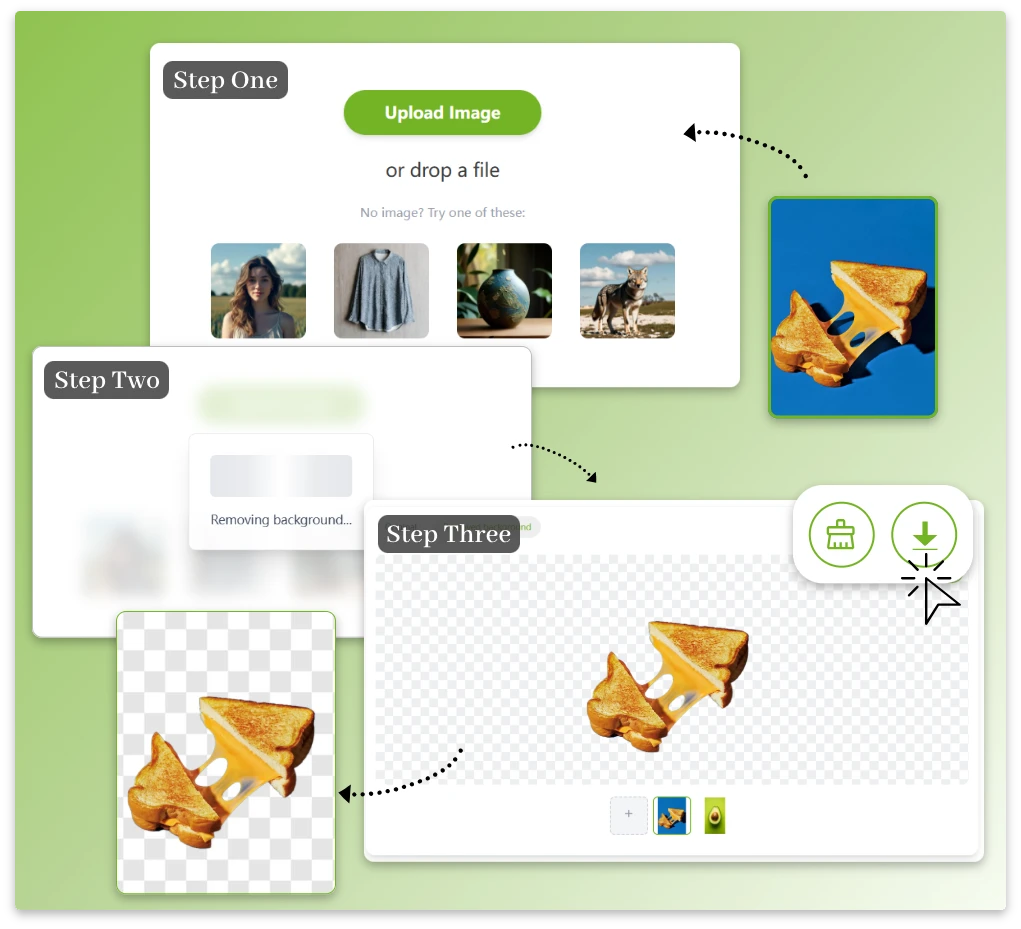
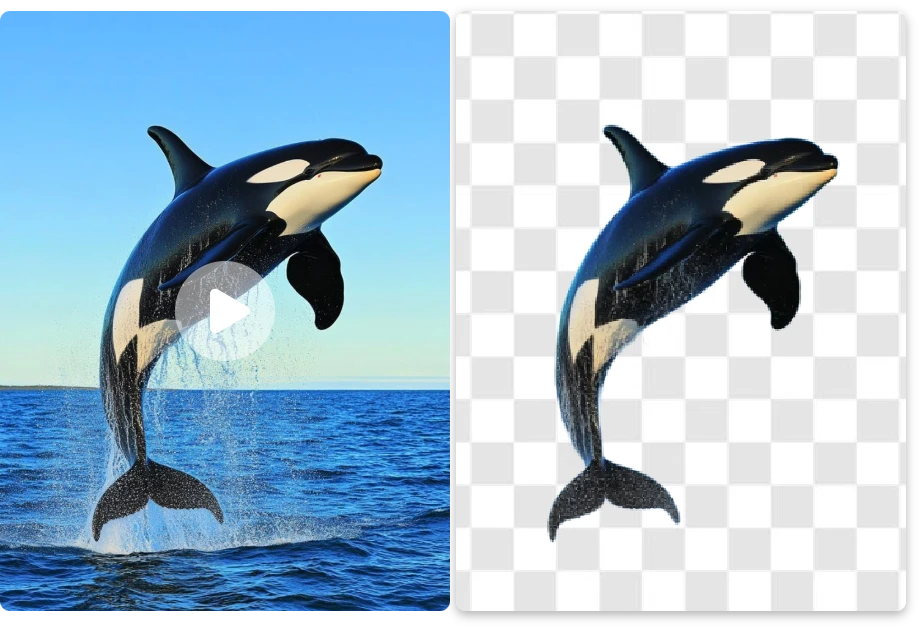
How to Use AI Video Background Remover in 3 Steps

What Users Say About Our Free AI Remover

User Feedback1
"

This AI video background remover saved me hours. The subject detection is accurate, even in motion-heavy videos.

James L.

User Feedback2
"

I needed to remove background from video quickly, and the results were clean with zero learning curve.
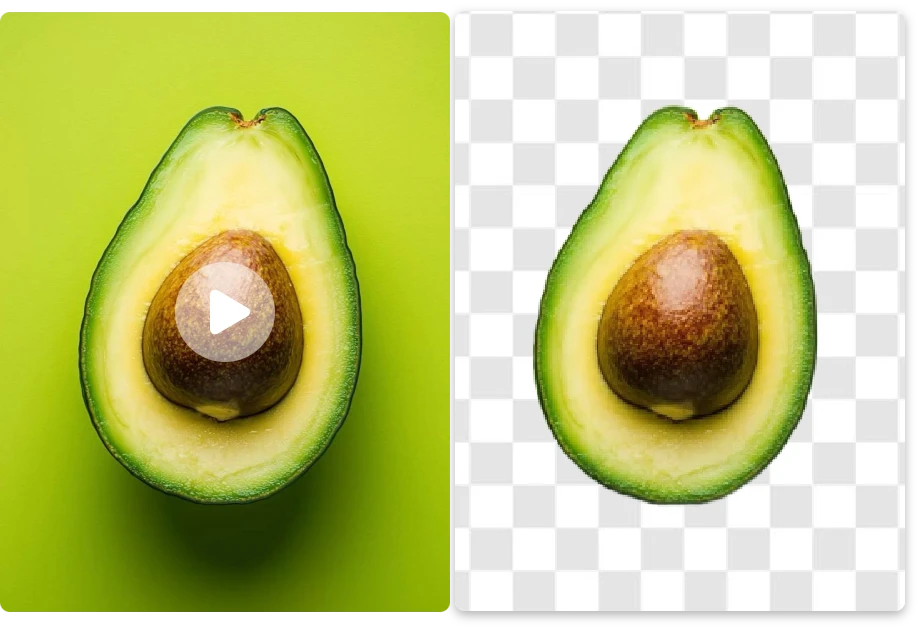
Emily R.

User Feedback3
"

Removing background for video is effortless here. Upload, wait a few seconds, download—done.

Sophia M.

Ask Anything About Removing Video Background

1. How do I remove background from video online?

Upload your video file, and our AI video background remover will automatically detect the subject and remove the background in seconds. You can then download the edited video or add a new background.

2. Is this a free video background remover?

Yes. You can try the video background remover free online. Some advanced export options may require an upgrade.

3. What videos work best with AI remover?

Clear subjects and decent lighting produce the best results. However, the remove background from video tool also performs well with everyday footage.

4. Can I remove video background without a green screen?

Yes. Our AI remove background video free tool uses advanced AI segmentation technology, so you don’t need a green screen or complicated editing software.

5. Is my content secure when using Remover AI?

Yes. Files are processed securely and automatically deleted, making this free video background remover safe to use.

6. Can I remove background from MP4 videos?

Yes. Our online video background remover supports MP4 and WebM formats for fast and accurate background removal

7. Can I create transparent video backgrounds?

Yes. The tool helps create transparent video background effects for overlays, ecommerce videos, social media edits, and creative projects

8. How accurate is the AI video background remover?

Our AI is designed to preserve clean edges, hair details, and natural motion for smoother and more professional-looking results.

9. Can I change video background scenes?

Yes. After removing the original background, you can replace it with custom images, colors, office scenes, or branded visuals

10. Does the tool work for TikTok and YouTube videos?

Yes. Our video background remover online is optimized for TikTok videos, YouTube content, Instagram Reels, presentations, and marketing videos

11. What video formats are supported?

The tool currently supports popular formats including MOV, and WebM

12. Does it work on mobile devices?

Yes. You can use the online video background remover on desktop and mobile browsers

Continue Your AI Video Editing Workflow

AI tool to change video background scenes automatically

AI Background Changer

Replace video and image backgrounds instantly with AI. Create cleaner content, custom scenes, and professional visuals for TikTok, YouTube, ecommerce, and marketing videos.
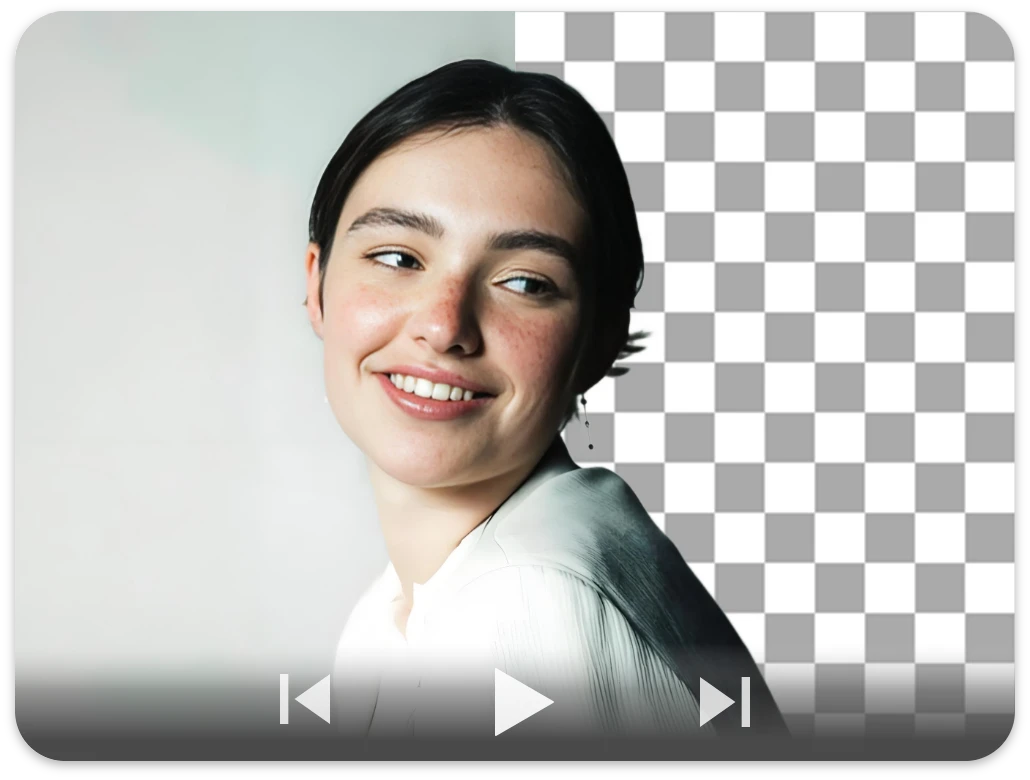
Remove GIF backgrounds and create transparent animations

GIF Background Remover

Remove GIF backgrounds online and create transparent animated GIFs for stickers, memes, social media, and creative content editing.
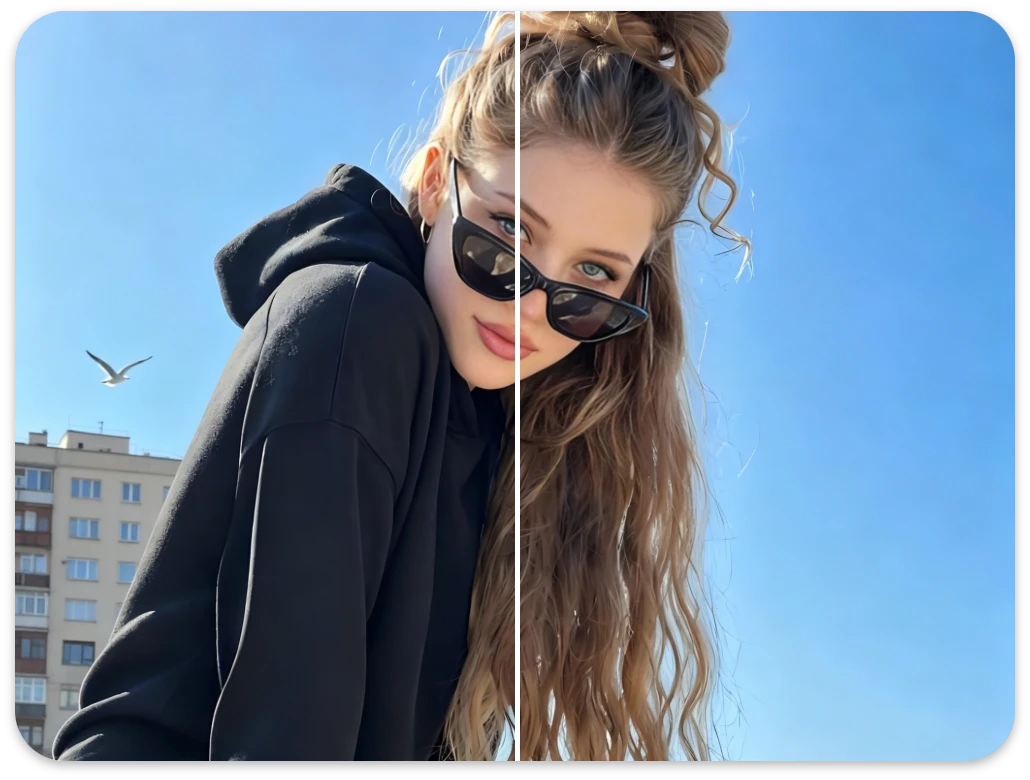
AI object remover for cleaning video and image backgrounds

Object Remover

Remove unwanted objects, people, text, and distractions from images and videos with AI for cleaner and more professional-looking content.
AI blur remover for sharpening blurry videos and enhancing image quality

AI Blur Remover

Sharpen blurry videos and images automatically with AI to improve details, enhance video quality, and create clearer content for social media and marketing.

Start Removing Video Background Now and Impress Yourself

Remove background from video effortlessly with Remover AI. Create cleaner content, faster workflows, and more engaging videos—without complex tools or editing skills.